Help
Getting started
- Download Million Miles from the App Store and open it.
- Sign up with your email, or with Sign in with Apple.
- Choose a username. Other members see it next to your walks, runs and cheers, so use a nickname or first name.
- Set a weekly goal. You can change it any time in Settings.
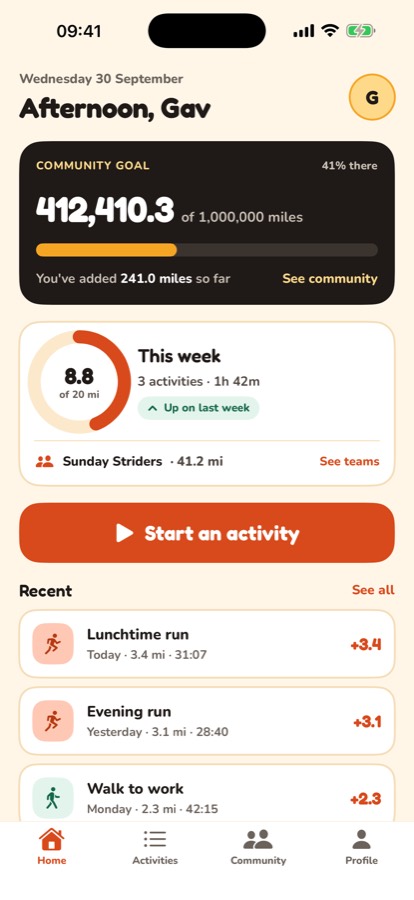
- Tap Start an activity on Home to record your first walk or run.
If you signed up with your email, we send you a link to confirm it. You need to confirm it before you can post in a challenge or team chat.
Still stuck? Get in touch and tell us what you were doing. Screenshots help.